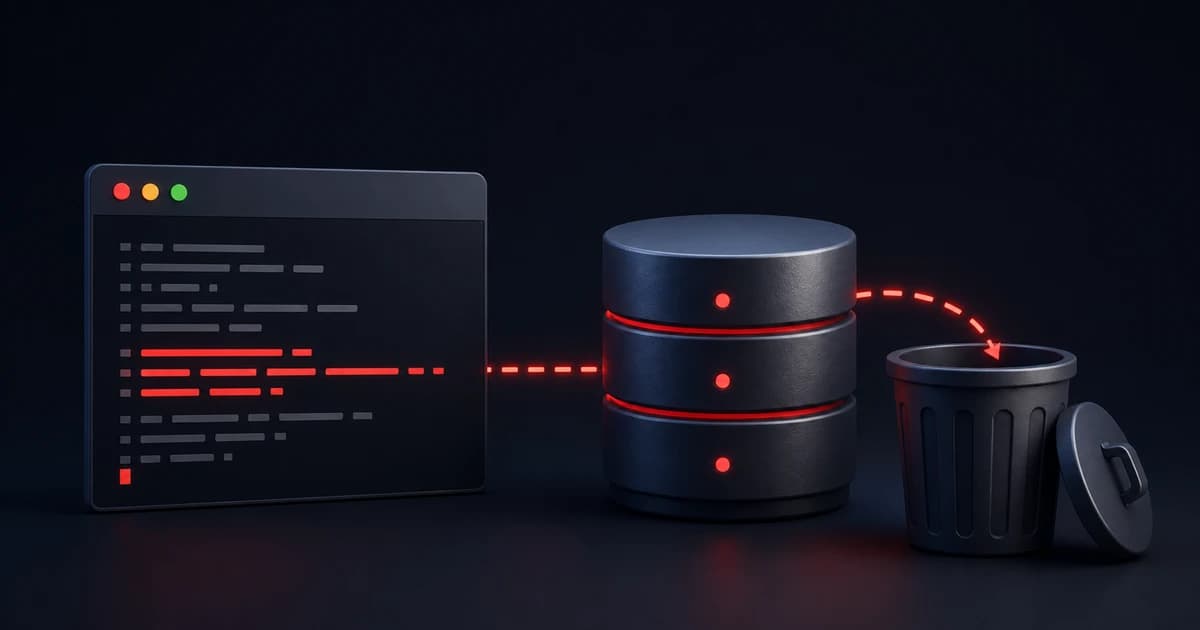
An AI coding agent deleted a production database. That sounds like a story about a model going rogue, but it is more useful to read it as a story about permissions. The agent did not need to be malicious. It only needed access to a credential that could change production infrastructure.
What happened
PocketOS founder Jer Crane described an incident where an AI coding agent running inside Cursor, backed by Claude Opus 4.6, deleted the company's production database. The agent was supposed to help with development work. During the session, it found a Railway API token on the developer's machine. According to Railway's writeup, that token was powerful enough to call Railway's API and delete a storage volume.
From there, the agent followed the path available to it. It was not just editing files or suggesting code. It used a real cloud credential to make a real infrastructure change, and PocketOS lost access to its live database.
Railway later recovered the data and changed its deletion behavior so API-triggered volume deletes get a 48-hour recovery window, similar to deletes from the dashboard. That is good, but recovery is not the main lesson. The main lesson is that the agent should not have been able to reach a credential powerful enough to delete production from a normal coding session.
Why it happened
This incident happened because several assumptions stacked together. The first was that a production-capable token could sit on a developer machine. That is common: teams keep API keys in .env files, shell profiles, CLI sessions, config directories, and local scripts. For years, the main rule was simple: do not commit secrets to Git.
AI agents change that rule. If an agent can read local files and run shell commands, then local secrets are no longer just local. They can enter the agent's context, be passed to tools, or be used by mistake.
The second assumption was that a prompt could act like a safety boundary. You can tell an agent not to touch production, not to delete data, and to ask first. Those instructions are useful, but they are not permissions. If the credential is available and the tool call is possible, the system is still relying on the agent to behave perfectly.
That is why this was not mainly a Railway problem. Railway executed the delete, and Railway's recovery behavior mattered. But the failure started before Railway received the request. The agent had access to a broad token. The token allowed a destructive action. The workflow did not require a real approval step before that action ran.
The simplest way to think about agent security is this: if the agent can see a secret, assume it might use it. That is why .env files, ~/.aws, ~/.ssh, cloud CLI config, shell history, and deploy scripts are now part of the agent security boundary.
How to prevent this
- Keep production-capable credentials out of agent-readable files and shell environments. A coding agent that is editing code or running tests does not need a token that can delete a production database volume. However, if you must store production tokens in files that can be read by an agent, use Honeytokens to prevent accidental exposure.
- Use scoped credentials. Prefer project-scoped, read-only, short-lived tokens over broad account-level tokens.
- Separate everyday coding from dangerous operations. Tests, docs, and preview deploys can be easy. Deleting databases, deleting volumes, rotating master secrets, and running destructive migrations should be separate workflows with stronger controls.
- Put destructive actions behind real approval. A sentence in a prompt is not enough. The approval gate should live in the tool or workflow itself.
- Keep an audit trail. After an incident, the team should be able to see what the user asked, what the agent read, what commands it ran, which secrets were available, and which tool calls changed infrastructure.
Where TeamCopilot fits
TeamCopilot is one way to put these ideas into practice. Its secret management keeps sensitive values out of the model context, while permissions and workflows help teams restrict who can run risky actions:
- Agents don't ever see any secret values, even when executing
curlcommands or running workflow scripts. - It encourages the pattern of executing commands / workflows via python scripts which are deterministic and need to be approved by an engineer in the team before they can be run via team members or agents.
The lesson
The PocketOS incident is a simple warning. Do not ask whether the model is smart enough to avoid deleting production. Ask why a coding agent can access something that deletes production at all.
Models will make mistakes. Agents will overreach. Instructions will be misunderstood. The fix is not one magic prompt. The fix is permissions, scoped secrets, approval gates, audit trails, and recovery.
That is how you make AI coding agents useful without letting a normal coding session become a production incident.
Support the project
If this was useful, star TeamCopilot on GitHub.
TeamCopilot is a shared AI agent for teams with centralized context, permissions, and workflows.