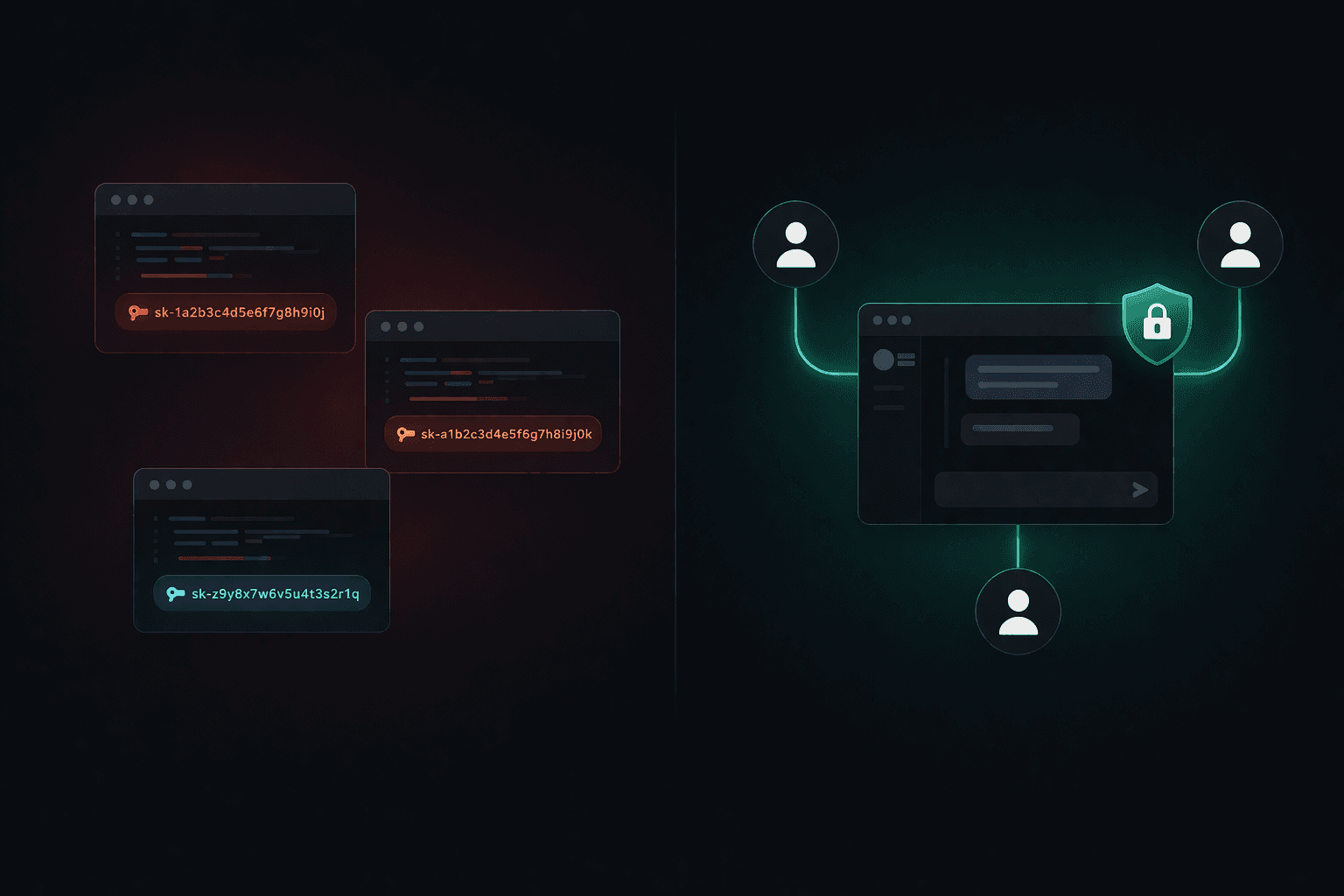
Claude Code works great when it's just you. The natural next step is rolling it out to your team. You check your CLAUDE.md into the repo, commit your MCP server configs, maybe write a few shared skills — and now everyone can pull the same setup and get going.
That works, until it doesn't.
The two problems you hit when sharing Claude Code across a team
1. No permissions — anyone can use any skill
When skills and MCP tools are just files in a repo, anyone who clones that repo gets access to everything. There's no concept of who is allowed to use what.
Say your engineering team has a skill that SSHs into a server and updates a config file. That skill is useful for your backend engineers. It's dangerous in the hands of someone in marketing who doesn't understand what they're doing. But with a shared repo setup, both have identical access — the skill doesn't know who's invoking it.
The only real safeguard in a repo-based sharing model is trust. That's fine for a two-person team. It doesn't scale.
2. API key sharing — employees can use it for anything
To let your team use Claude Code, you have to give each person a Claude API key or a subscription account. You can use your company's key and distribute it, or pay for individual seats.
The problem with a shared key: you have no control over how it's used. An employee can use that key for personal projects, side hustles, or just asking Claude questions that have nothing to do with work. You're paying for all of it, and you have no visibility into what the key is being used for.
Neither option gives you centralized control.
How TeamCopilot fixes both
TeamCopilot runs a single coding agent on your own cloud infrastructure. Your team accesses it through a web UI — no local setup required.
1npx teamcopilot initOn permissions: every skill goes through an approval workflow before it's available to anyone. Once approved, you control exactly which users or roles can invoke it. The server config skill is visible to backend engineers; it simply doesn't appear for anyone else. The production database tool is available to leads; juniors get a read-only version. The agent and the system deterministically enforces this — it's not just convention.
On API keys: you hold one API key on your infrastructure. Team members authenticate through TeamCopilot — they never see or touch the underlying key. You can revoke someone's access without touching your Claude credentials. Usage is scoped to work done through the agent, not to whatever that employee decides to do on their laptop at midnight.
A few other things that come with this setup:
Secrets stay private — the agent works with {{SECRET:KEY_NAME}} placeholders, never raw values. A pre-execution hook resolves them only in trusted positions (e.g., curl authorization headers), injecting the actual values as environment variables at runtime. A team member can use a production credential without ever seeing it.
Session history — every run is logged. You can inspect what the agent did, who asked it to do it, and what it returned. Useful for audits and debugging.
Shared MCP servers — connect your GitHub, database, or internal APIs once. Every team member gets those tools automatically, subject to their permissions.
When individual Claude Code still makes sense
A shared team agent isn't a replacement for individual Claude Code in every context. For deep solo coding sessions — long refactors, exploratory work, anything tightly coupled to your local environment — running Claude Code locally is still the right call.
The shared agent is better for anything that crosses people or systems: onboarding new hires, incident response, running workflows that touch production, or any situation where you want an audit trail and access controls.
The shift is from "my AI assistant" to "our AI assistant." A shared repo gets you partway there. Permissions and key management are what actually make it work at team scale.
Support the project
If this was useful, star TeamCopilot on GitHub.
TeamCopilot is a shared AI agent for teams with centralized context, permissions, and workflows.