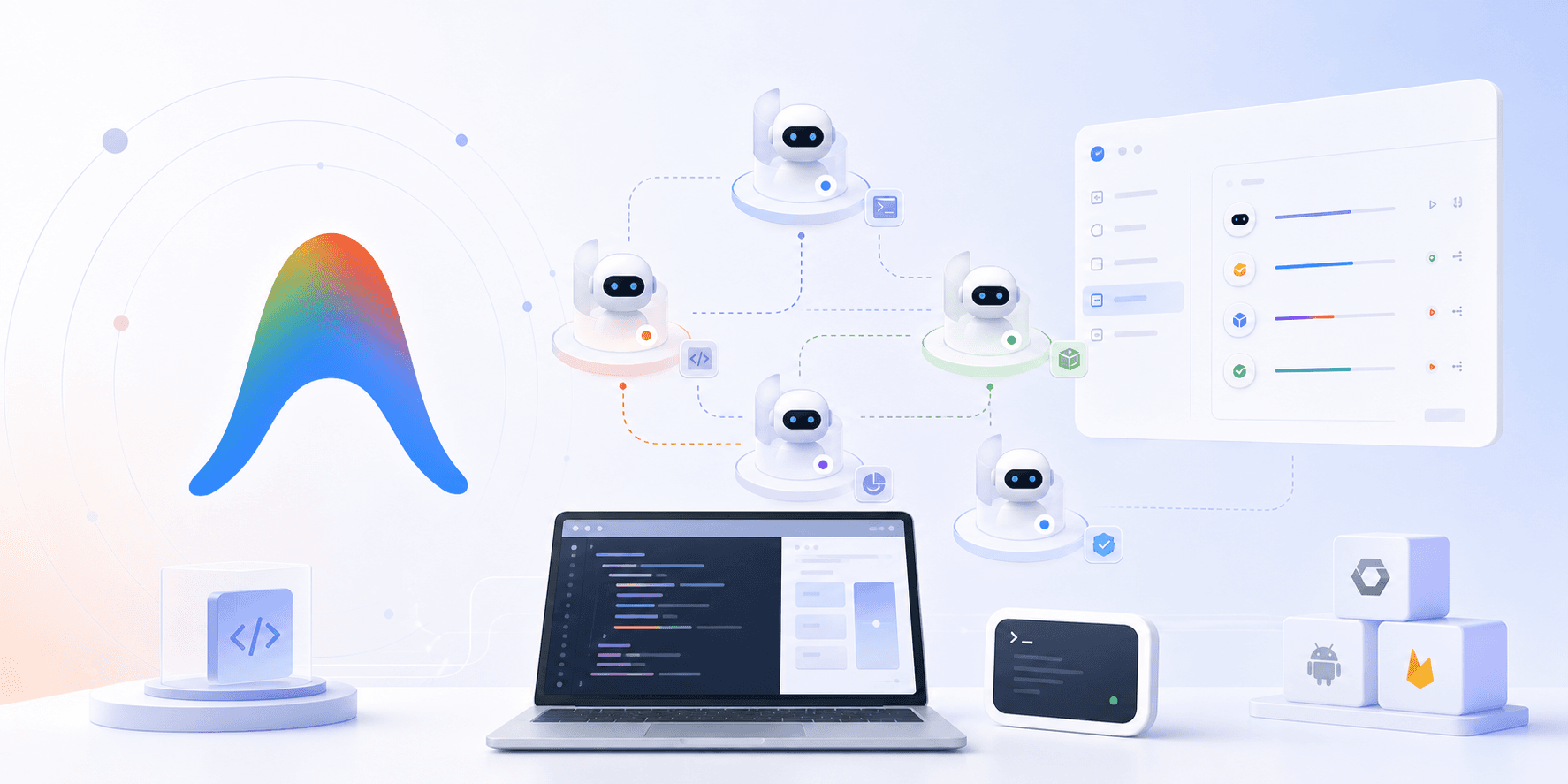
Google's I/O 2026 message was pretty clear: the next wave of developer tools is not just chat. It is agents that can actually do work.
The main example is Google Antigravity 2.0, which Google repositioned as an agentic development suite rather than a single coding app. It also pushed Gemini deeper into the stack, brought AI Studio to Android, and tied the whole thing together around agent orchestration.
That is the part worth paying attention to. Developers do not just want better autocomplete anymore. They want systems that can plan, branch, run tasks in parallel, and keep going in the background.
What Google Antigravity 2.0 is
Antigravity started as a coding app. With 2.0, Google has turned it into something broader: a place to build and manage software work with agents.
According to Google’s I/O announcements, Antigravity now includes:
- an updated desktop app
- a CLI for terminal-first workflows
- an SDK for custom agent workflows
- support for orchestrating multiple agents in parallel
- integrations with AI Studio, Android, and Firebase
- native voice command support
- managed agents running in an isolated Linux environment
That is the shift. Antigravity is no longer just a place to ask an assistant for code. It is turning into a control surface for a small fleet of agents.
How it works
The easiest way to think about Antigravity is this: instead of one assistant taking one shot at one task, you can give several agents different jobs at the same time.
Google’s own framing, as reported by 9to5Google and TechCrunch, is that Antigravity now centers on orchestration. You can spin up agents for separate problems, let them work in parallel, and schedule tasks that continue in the background.
At that point, the workflow stops feeling like prompting and starts feeling a lot more like project management.
For example, one agent could be handling UI changes while another checks API contracts and a third prepares a local test harness. If you live in the terminal, the CLI is there. If you prefer a visual workspace, the desktop app is there too. And if you want to build your own behavior on top of it, Google is offering an SDK.
Google also said the system connects back into AI Studio, Android, and Firebase. That matters because the workflow is not trapped inside one UI. You can move from idea to prototype to local development without restarting the whole thing.
The big features that matter
Not every feature matters equally here, so these are the ones worth paying attention to.
1. Multi-agent orchestration
This is the core idea. Antigravity can run several agents at once instead of treating every task as a single linear chat.
That matters for real software work, because most projects are not linear. You are usually fixing one thing, reviewing another, and preparing something else at the same time.
2. CLI and desktop support
Google is trying to meet developers where they already work. If you live in a terminal, the CLI matters. If you prefer a graphical workspace, the desktop app matters.
That mix makes Antigravity feel more practical than a pure chat box.
3. SDK and custom workflows
The SDK is the part that makes Antigravity feel more extensible. Google clearly wants developers to build agent patterns that fit their own projects, not just use the default experience.
For teams, this is the most interesting part of the stack. Once you start customising agent behavior, you are no longer just using a tool. You are designing a workflow around it.
4. Managed agents and isolated execution
Google also introduced managed agents with an isolated Linux environment. That says as much about security as it does about product direction.
It shows Google knows agents need guardrails. If the system is going to run code, touch files, or call tools, the environment around the agent matters almost as much as the model itself.
5. AI Studio integration
Google’s AI Studio story fits the same pattern. You can start with an idea, move into a prototype, and then export the project back into Antigravity for deeper work.
That is sensible product design. It lowers the barrier to getting started and keeps the path from idea to prototype short.
Why developers will like it
Antigravity is appealing because it makes small teams and solo developers faster.
If you are building a prototype, the ability to launch agents in parallel is useful. If you are exploring a feature idea, the SDK and CLI give you flexibility. If you are already inside Google’s ecosystem, the integrations reduce friction even more.
This is also where Google’s broader I/O message comes into focus. Gemini 3.5 Flash, the new Gemini app experience, and the updated AI plans all point in the same direction: more agentic work, more automated work, and more tasks that happen without constant human handholding.
That is genuinely useful.
Why teams still need something different
The same thing that makes Antigravity powerful for individuals also creates a problem for teams.
Once a tool becomes more agentic, the important questions stop being "can it write code?" and start being "who can use it, what can it touch, and how do we keep it under control?"
That is where most solo-first tools stop being enough.
Team use usually needs:
- role-based permissions
- approvals for risky actions
- shared access to approved tools
- secret handling that keeps raw credentials away from the model
- audit logs for review and debugging
- one place to manage policy across the team
Antigravity can help an individual developer move faster. But once you need a shared setup for a whole company, the hard part is no longer speed. It is governance.
We wrote more about that shift in AI Agent Governance Is the New Enterprise Control Plane, and the same idea shows up in Why Your AI Agent Should Never See Your API Keys.
Where TeamCopilot fits
If Antigravity is the right shape for a solo developer or a small project team that wants a strong coding environment, TeamCopilot is the piece that comes in when the use case becomes shared, governed, and operational.
TeamCopilot is built for a different question:
How do you give a whole team one AI agent experience without giving everybody the same access to everything?
That is why TeamCopilot focuses on permissions, workflow controls, secret management, and shared skills. Instead of every person spinning up their own isolated agent workflow, the team works from one controlled setup.
If you want a broader comparison across tools, we covered that in Best AI Agent Platforms for Teams in 2026: Comparing 13 Tools. And if you want the practical version of the same problem, How to Use Claude Code with a Team: Shared Context, Permissions, and MCP makes the tradeoff pretty obvious.
That is the real distinction.
Antigravity is about building faster. TeamCopilot is about letting teams use agents safely.
Those are related problems, but they are not the same one.
The bigger takeaway
Google Antigravity 2.0 is a good sign for the market because it makes agentic development feel more real.
It is not just a demo anymore. It has a desktop app, a CLI, an SDK, background tasks, parallel agents, and ecosystem integration. That is the shape of a product that expects agents to become part of normal software work.
But the moment agents become normal, the team problem gets bigger too.
If you are building on your own, Antigravity may be exactly what you want. If you are trying to let a whole team work with agents without losing control, you need a layer above the coding tool.
That is where TeamCopilot lives.
FAQ
What is Google Antigravity 2.0?
Google Antigravity 2.0 is Google’s agentic development suite for orchestrating AI agents across coding workflows. It includes a desktop app, CLI, SDK, and integrations with AI Studio, Android, and Firebase.
How is Antigravity different from a normal coding assistant?
A normal coding assistant usually helps with one task at a time. Antigravity is designed to manage multiple agents in parallel, schedule work in the background, and support more complex development workflows.
Can Antigravity be used from the terminal?
Yes. Google announced a dedicated Antigravity CLI for developers who want to create and manage agents from the terminal.
Does Antigravity replace AI Studio?
No. The two tools are connected. Google positioned AI Studio as a place to start ideas and build prototypes, then export them into Antigravity for deeper local work.
Is Antigravity meant for teams or individuals?
It can help both, but it is especially compelling for individual developers and small product teams. Larger teams usually need more control around permissions, secrets, approvals, and audit logs.
Why do teams need something like TeamCopilot if tools like Antigravity exist?
Because team use creates governance problems that solo tools do not solve well. TeamCopilot is built for shared access, approvals, secret management, and policy control across a whole team.
Is Antigravity secure enough for production workflows?
It includes stronger guardrail concepts like managed agents and isolated execution, but production use still depends on how your team handles permissions, credentials, and review processes.
What is the biggest benefit of Antigravity?
The biggest benefit is orchestration. Being able to run multiple agents in parallel makes it easier to move from idea to implementation faster.
What is the biggest risk with agentic coding tools?
The biggest risk is overreach. Once an agent can run tasks, access tools, or touch production-adjacent systems, weak permissions and poor secret handling can create real incidents.
Where should I go if I want a team-wide agent setup?
If you want a shared agent with permissions and workflow controls for a whole team, TeamCopilot is the better fit.
Support the project
If this was useful, star TeamCopilot on GitHub.
TeamCopilot is a shared AI agent for teams with centralized context, permissions, and workflows.