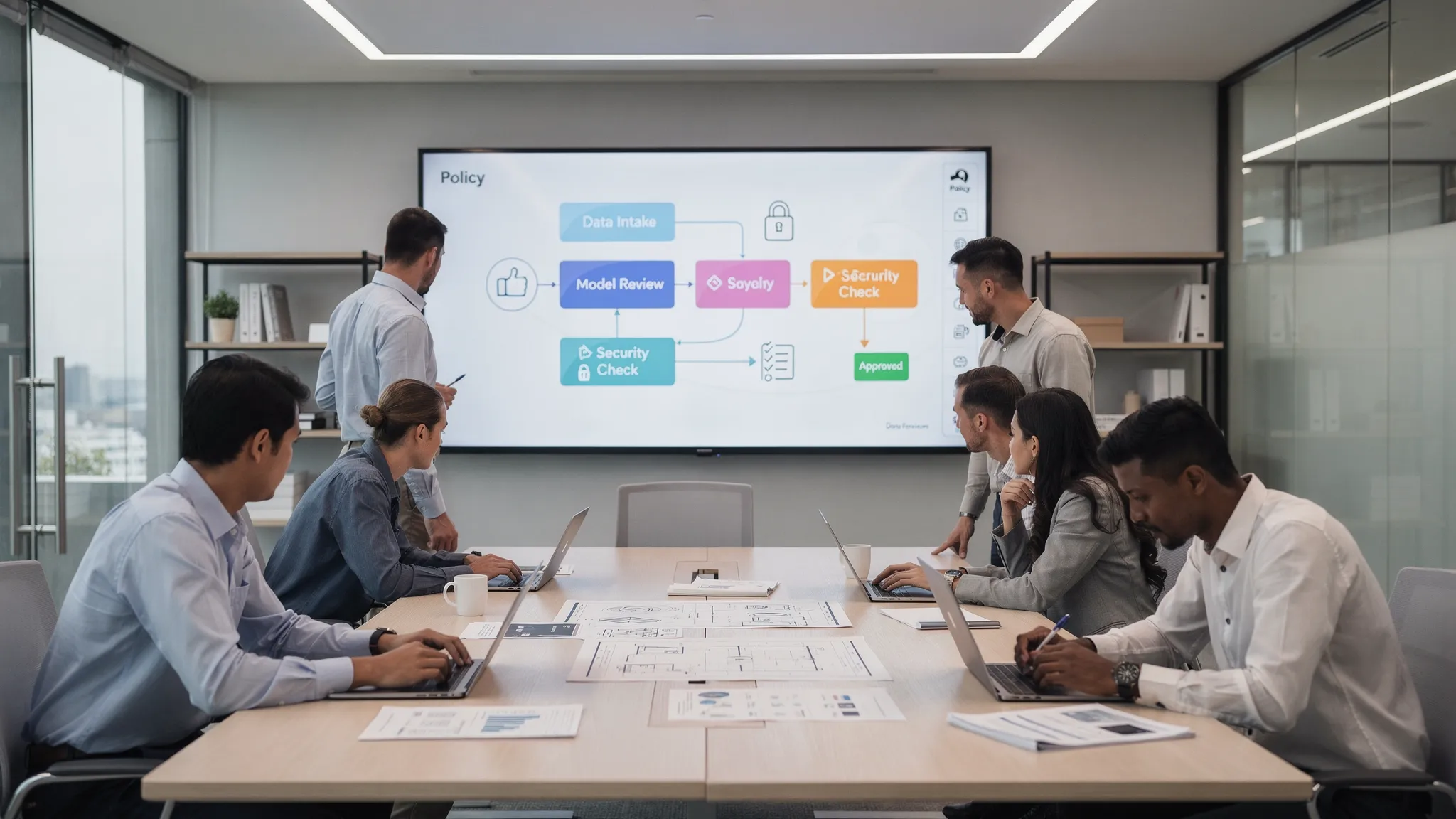
Most teams do not need more AI demos. They need repeatable AI workflows that help ship code, investigate issues, answer internal questions, and automate busywork without leaking secrets or giving an agent unlimited access.
That is where AI skills become useful. A skill is not just a better prompt. It is a reusable capability that combines instructions, tools, permissions, context, and an expected output. For engineering teams, the goal is simple: turn one-off AI chats into workflows that are safe enough to run across the team.
Below are the skills AI teams need for real work, especially if you are building internal automation for developers, support engineers, DevOps, or small technical teams.
What is an AI skill?
An AI skill is a packaged workflow an agent can run on behalf of a user. It should tell the agent what job to do, what information to ask for, what tools it can use, what it must not do, and what result it should produce.
A useful team skill usually includes:
- Purpose: the specific job, such as reviewing a pull request or triaging an incident.
- Context: repositories, docs, runbooks, tickets, logs, or customer information the agent needs.
- Tools: commands, APIs, MCP servers, search tools, database readers, or internal services.
- Permissions: who can run the skill and what actions require approval.
- Output contract: the format of the final answer, report, patch, ticket, or recommendation.
The difference matters. A prompt is easy to copy. A skill is easy to govern.
Prompts vs. team-ready AI skills
Teams often start by sharing prompts in Slack, Notion, or a repo. That works for experimentation, but it breaks down when the workflow touches code, customer data, production systems, or shared API spend.
| Capability | Shared prompt | Team-ready AI skill |
|---|---|---|
| Reusability | Copied manually | Available from a shared interface |
| Context | Depends on user memory | Bundled with known docs, repos, or tools |
| Permissions | Usually none | Scoped by role, user, and tool |
| Approvals | Manual and inconsistent | Built into the workflow |
| Observability | Hard to audit | Logs, usage data, and review history |
| Security | Easy to overexpose secrets | Can isolate credentials and limit actions |
If a workflow is used once, a prompt is fine. If a workflow is used weekly by multiple people, it should become a skill.
The core AI skills teams need
Real workflows tend to fall into a few repeatable categories. The exact implementation depends on your stack, but the skill patterns are consistent.
1. Task intake and clarification
This skill turns vague requests into structured work. For example, a product manager might ask, "Can we add SSO for enterprise customers?" The agent should ask clarifying questions, inspect relevant docs or tickets, and produce a scoped engineering brief.
A good intake skill does not jump straight to code. It creates a shared understanding of the goal, constraints, dependencies, and acceptance criteria. This is especially useful for small teams where engineers frequently receive incomplete requests.
Expected output might include a problem statement, assumptions, open questions, affected systems, and a first-pass implementation plan.
2. Repository navigation and codebase explanation
Every engineering team needs a skill that answers, "Where does this live?" New hires, support engineers, and even senior developers waste time rediscovering architecture.
This skill should search the repository, summarize relevant files, identify entry points, explain data flow, and link concepts across services. It is not mainly a coding skill. It is a context skill.
For teams already using AI coding tools, this is often the first workflow worth standardizing. A shared version prevents every developer from reinventing local setup, indexing rules, and repo-specific instructions.
3. Implementation planning
Before an agent writes code, it should be able to propose a plan. This skill takes a ticket, bug, or feature request and produces an implementation outline that a human can review.
A strong planning skill should identify files likely to change, tests likely to need updates, risky assumptions, migration concerns, and rollout steps. It should also flag when the request is too ambiguous or when production data might be involved.
This is one of the safest high-value AI skills because the agent can help without making irreversible changes.
4. Code change generation
This is the obvious one, but it should not be the only one. A code generation skill can create patches, refactor modules, update tests, or apply repetitive changes across a codebase.
The important part is constraint. The skill should know the project conventions, test commands, formatting rules, and boundaries. It should also know when to stop and ask for approval, especially before running destructive commands or touching sensitive configuration.
If your team uses Claude Code-style agent workflows, it helps to understand how agent loops, tools, and custom skills work. TeamCopilot has a separate guide to Claude Code setup, skills, hooks, and the agent loop.
5. Pull request review
A PR review skill should do more than say "looks good." It should inspect diffs, compare changes against requirements, look for missing tests, identify security-sensitive edits, and summarize risk.
The best version of this skill produces two outputs: a short human-readable review and a structured checklist. That makes it easier for engineers to decide whether to merge, request changes, or run additional checks.
A PR review skill should not be allowed to approve its own changes without human oversight. For real teams, separation between generation and review is still important.
6. Test and QA analysis
Test failures are perfect for AI assistance because they are usually verbose, repetitive, and context-heavy. A QA skill can read failing logs, map failures to recent code changes, suggest likely causes, and propose next steps.
This skill becomes more valuable when it has access to CI logs, test commands, flaky test history, and recent commits. If your agent can run commands, it should be limited to safe test and inspection commands unless a user approves broader actions.
A good output is not just "the test failed because X." It should include confidence level, evidence, commands run, and recommended fix path.
7. Incident triage
Incident triage is one of the most valuable AI workflows, but it is also one of the riskiest. The agent may need logs, dashboards, deploy history, runbooks, and sometimes production-adjacent tools.
The skill should focus on reading, correlating, and summarizing before acting. For example, it can gather recent deploys, compare error rates, inspect logs, and draft an incident update. Actions like restarting services, changing flags, or modifying infrastructure should require explicit approval.
This is where governance matters. The NIST AI Risk Management Framework emphasizes mapping, measuring, managing, and governing AI risk. For AI agents, that translates into clear tool boundaries, audit trails, and human approval for high-impact actions.
8. Release readiness
Release work is full of checklists. That makes it a strong candidate for a skill.
A release readiness skill can review open PRs, summarize changelogs, check migrations, verify test status, identify missing rollback notes, and prepare a release summary. It can also compare the release plan against your team's deployment runbook.
The skill should not silently deploy. It should prepare, verify, and ask for approval where needed.
9. Documentation and knowledge capture
Teams often fail to document because the work feels secondary. AI can help by turning completed tickets, PRs, incident reports, or support threads into durable internal documentation.
A documentation skill should know where docs live, how your team writes them, and what format to use. It can draft architecture notes, runbook updates, onboarding guides, API examples, and post-incident summaries.
This is also a good low-risk starting point. The agent produces text, humans review it, and the team gets compounding knowledge over time.
10. Data and reporting
Many teams need recurring answers from internal systems: usage summaries, customer impact estimates, error trends, cost reports, backlog analysis, and operational metrics.
A reporting skill should be read-only by default. It should use approved queries, documented metrics, and clear output formatting. If it can access databases or analytics tools, permissions should be scoped carefully.
For more complex integrations, teams often use protocols such as the Model Context Protocol to connect AI systems with external tools and data sources in a standardized way.
How to design a production-grade AI skill
A skill becomes reliable when it has a contract. The contract does not need to be complicated, but it should be explicit enough that another engineer can review it.
Here is a simple example:
1name: incident-triage-summary
2purpose: Summarize a suspected production incident and recommend next steps.
3inputs:
4  - incident_description
5  - affected_service
6  - time_window
7allowed_tools:
8  - log_search_readonly
9  - deploy_history_readonly
10  - runbook_search
11requires_approval:
12  - restart_service
13  - change_feature_flag
14  - modify_infrastructure
15output:
16  - timeline
17  - likely_causes
18  - evidence
19  - recommended_actions
20  - customer_impact_summary
This structure makes the workflow easier to reason about. It also gives security-conscious teams a place to define boundaries before the agent runs.
In practice, each skill should answer three questions: what can the agent read, what can it change, and what must a human approve?
Permissions are part of the skill, not an afterthought
For real team workflows, permissions matter as much as prompt quality. An AI skill that can read logs, run shell commands, query databases, or call internal APIs is not just a chat helper. It is an operational actor.
That means teams need role-based access, approval workflows, secret handling, and session logs. A junior developer might be allowed to run a repo explanation skill but not a production incident skill. A support engineer might be allowed to generate customer impact summaries but not query unrestricted raw data.
This is one reason shared AI agents are different from local AI tools. Local tools are great for individual productivity. Shared agents are better when the team needs common setup, common controls, and common visibility. We covered this tradeoff in more depth in how to use Claude Code with a team.
Secrets deserve special care. Agents should not casually read API keys, tokens, or credentials from developer machines or repo files. If your workflows touch secrets, use scoped access, approvals, and secret isolation patterns. For a deeper technical pattern, see TeamCopilot's guide on why your AI agent should never see your API keys.
What to measure
Once teams create AI skills, they need to know whether those skills are actually useful. Usage count alone is not enough. A bad workflow can be used frequently because people are forced to use it.
Better metrics connect the skill to work quality, speed, and risk.
| Metric | What it tells you |
|---|---|
| Completion rate | Whether the skill can finish the workflow without excessive handholding |
| Human edit rate | How much cleanup users need after the agent responds |
| Approval rejection rate | Whether the agent is asking for unsafe or low-quality actions |
| Time to first useful answer | Whether the skill reduces investigation or setup time |
| Regression or incident link | Whether AI-assisted changes introduce downstream problems |
| Reuse by team members | Whether the workflow is valuable beyond one power user |
This is where a shared platform helps. If every developer runs their own local setup, usage and quality are hard to understand. A team-level system can show which skills are used, where approvals happen, and which workflows need refinement.
Common mistakes when building AI skills
The most common mistake is making skills too broad. "Help with engineering" is not a skill. "Analyze a failing CI job and suggest the likely fix" is a skill.
Another mistake is giving the agent too many tools too early. Start read-only, prove value, then add write actions behind approvals. This keeps the workflow useful while reducing blast radius.
Teams also forget to version skills. If a workflow changes behavior, people should know what changed and why. Treat important skills like internal tools: review them, document them, and improve them over time.
Finally, do not rely on prompts as your only safety layer. Prompts are helpful, but permissions, approvals, and infrastructure boundaries are what make AI workflows safe enough for teams.
Where TeamCopilot fits
TeamCopilot is built for teams that want shared AI skills without giving every person a separate, unmanaged agent setup. It provides a self-hosted, multi-user AI agent environment with custom skills and tools, skill and tool permissions, approval workflows, web UI access, real-time analytics, secure data handling, and support for any AI model.
Because it runs on your own infrastructure, it is a strong fit for teams that care about privacy, governance, and control. You configure workflows once, then make them available to the team with the right permissions.
For small engineering teams, that can be the difference between "some developers use AI locally" and "the whole team has reliable, governed AI workflows."
Frequently Asked Questions
What are AI skills for teams? AI skills are reusable agent workflows that combine instructions, tools, context, permissions, and expected outputs. They help teams standardize tasks like code review, incident triage, documentation, and QA analysis.
How are AI skills different from prompts? Prompts are usually copied and run manually. AI skills are packaged workflows with defined inputs, tools, permissions, approvals, and outputs. Skills are better for repeated team use.
Which AI skill should an engineering team build first? Start with a low-risk, high-frequency workflow. Good first choices include repository explanation, implementation planning, PR review, failing test analysis, or documentation drafting.
Should AI skills be allowed to change production systems? Not by default. Production-impacting actions should require explicit human approval, scoped permissions, and audit logs. Start with read-only triage before allowing write actions.
Do AI skills need to be tied to one model? Not necessarily. The workflow design, tools, and permissions can be model-independent. TeamCopilot supports any AI model, which helps teams avoid locking skills to a single provider.
Build shared AI skills your team can actually use
If your team is moving from AI experiments to real workflows, focus on repeatable skills, scoped permissions, and approval points. That is what turns an AI agent from a personal assistant into team infrastructure.
TeamCopilot gives engineering teams a self-hosted, shared AI agent with custom skills, permissions, approvals, analytics, and secure data handling. Configure once, then let the whole team use AI workflows safely from a shared web UI.