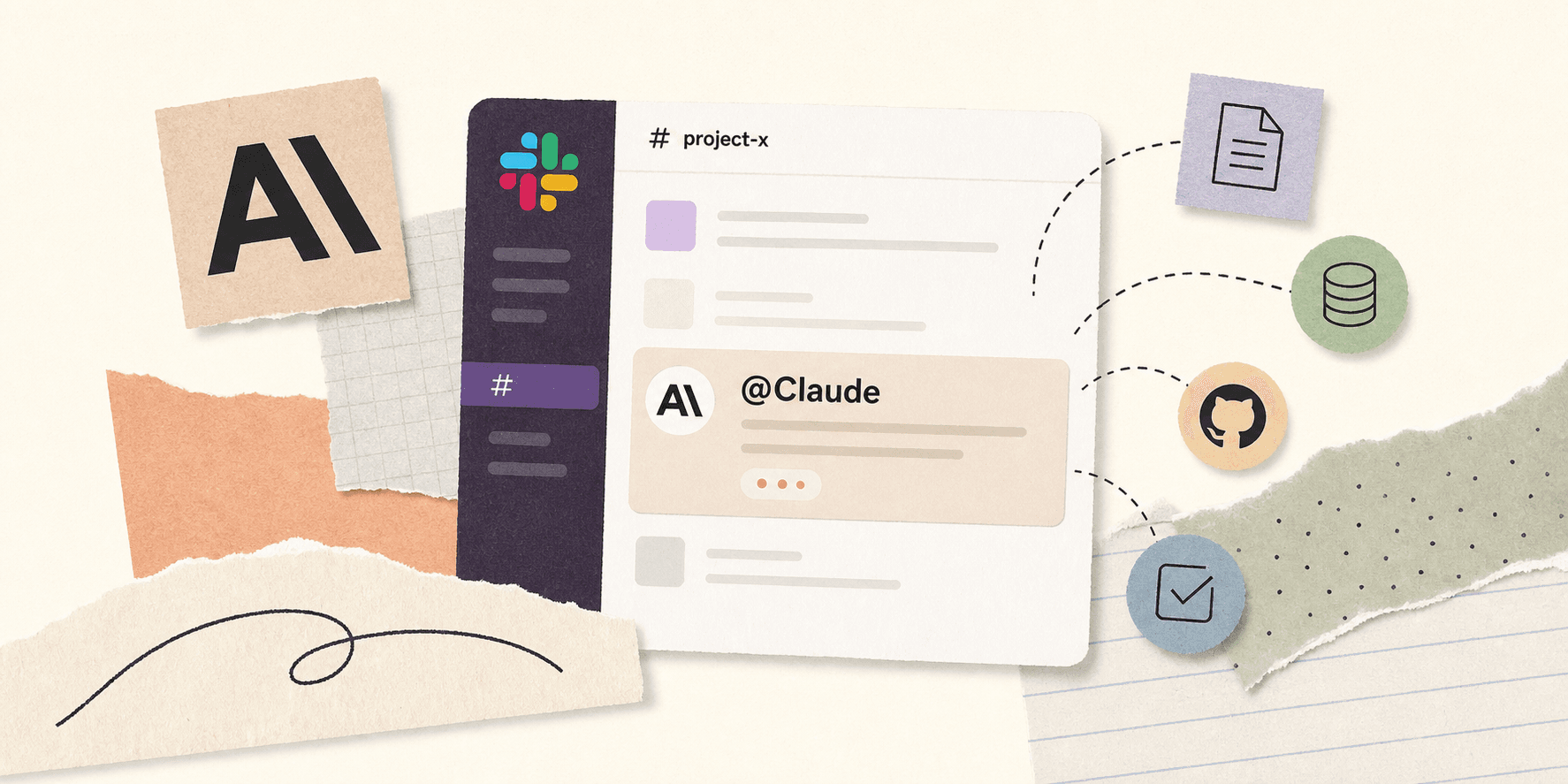
Anthropic's Claude Tag looks simple at first glance. Put Claude inside Slack, let people tag it into threads, give it access to selected tools and data, and let it work in the same place the team is already talking.
The simplicity is a bit deceptive. Once an AI agent becomes a shared teammate instead of a private chat, the questions get much sharper. What can it see? Who can ask it to do work? How much memory does it keep? How do you stop it from becoming noisy, expensive, or hard to control?
This post walks through what Claude Tag does, where it is genuinely useful, where it starts to fray, and why a more model-agnostic workflow layer like teamcopilot.ai can be a better fit for teams that want tighter control.
What Claude Tag is
Claude Tag is Anthropic's Slack-native agent. According to Anthropic's announcement, you can tag @Claude into a thread, give it access to the tools and data it needs, and let it work on behalf of the channel.
Claude Tag acts as a shared presence directly inside your Slack channels. Everyone in the channel can monitor its progress, jump into the thread, and rely on the agent to maintain context over time.
Anthropic's docs make the positioning even clearer. Claude Tag is meant to catch up on messy threads, pull numbers, draft PRs, prep for calls, watch channels, and keep work moving without forcing people to switch tabs.
What it can do well
1. Work where the conversation already happens
This is the main win. Most teams already decide things in Slack. The problem is that the decision, the follow-up, the doc, and the action item end up scattered across different tools.
Claude Tag tries to close that gap. If a thread turns into a task, you can hand the task to Claude in the same place you discussed it. That cuts out the usual copy-and-paste dance.
2. Keep shared context in public view
The multiplayer part matters. A shared agent in a channel can be easier to use than a private agent hidden in one person's account because the whole team can see what was asked, what Claude did, and what is still open.
It also makes handoffs less painful. If one person leaves for the day, another person can pick up the same thread without starting over.
3. Handle repetitive coordination work
Claude Tag is strongest when the task is not deeply bespoke. Think summaries, status pulls, ticket drafting, call prep, channel monitoring, or chasing down a missing detail.
That is the kind of work teams usually tolerate in the background and never quite automate properly.
4. Add proactive behavior
Anthropic leans hard into ambient and asynchronous work here. Claude can watch, follow up, and surface things that went quiet.
That is useful when the work is more like coordination than code. It is not just answering questions. It is nudging the team forward.
Where it gets awkward
1. Slack is a constraint, not just a feature
Slack is where many teams work, but not all teams. And even for teams that do use Slack heavily, it is still only one surface.
If your work spans Slack, GitHub, docs, internal tools, and approvals, a Slack-only agent can feel like the front door to a much larger system that it does not really control.
2. Shared memory is useful and risky
Memory is a benefit until it becomes stale, noisy, or wrong.
The HN thread around the launch went straight to the obvious concerns: token usage, memory bloat, permissions, and whether a shared Slack agent can really know what should or should not be remembered. That is the right criticism. Team memory is only helpful if teams can control what gets retained and what gets ignored.
3. Permissions get complicated fast
Anthropic has a thoughtful access model for Claude Tag, including channel-scoped identities and admin-controlled access. That is better than a naive shared bot.
But the moment an agent sits in a shared channel, permissions stop being abstract. The agent has to know whose tools it can use, what data it can read, what gets logged, and what requires a human to approve.
For a lot of companies, that becomes the product.
4. Token cost is a real concern
Running a proactive, memory-heavy agent in a busy channel gets expensive quickly because every summary and follow-up consumes tokens. If the channel is busy, the costs can add up quickly. This is just a reminder that agent design is also cost design.
5. It can feel too tied to one vendor and one model
Using Claude Tag also ties you directly to Anthropic's ecosystem, which limits your ability to swap models or use different tools as your needs change.
Where teamcopilot.ai fits
teamcopilot.ai centers the workflow rather than the chat surface, giving you direct control over what runs, which tools the agent can touch, and when a human must step in. This approach makes it easier to stay transparent about what the agent is actually doing, not just what it said it would do.
It is also model-agnostic, which matters more over time than people like to admit. The best model today is not guaranteed to be the best model for every task next quarter. If your workflow layer is separate from the model layer, you keep more flexibility and less lock-in.
For teams fully committed to Anthropic's ecosystem who want a quick, Slack-native assistant, Claude Tag is a strong fit. If you need to control the underlying workflow, maintain deep transparency, and avoid vendor lock-in, teamcopilot.ai is a better choice.
A practical read on the launch
Claude Tag is not a gimmick. It is a serious attempt to make AI feel like a teammate instead of a tab.
That makes it interesting, but it also highlights why the limitations matter.
Once an agent becomes multiplayer, the hard problems show up faster. Memory, permissions, and auditing all become much more difficult. And if the agent is buried inside one chat app, the lock-in question becomes impossible to ignore. This doesn't make Claude Tag bad, just honest.
If your team lives in Slack and wants a fast way to delegate work, it is worth trying. If your team needs more control than that, a workflow-first system like teamcopilot.ai is probably the better long-term bet.
Related reading
- AI Agent Governance Is the New Enterprise Control Plane
- Claude Code Security: Permissions, Prompt Injection, and Secrets
- MCP vs Skills: Why Skills Save Context Tokens
- What Is an Agent Loop? How AI Agents Reason, Act, and Iterate
- How to Use Claude Code with a Team: Shared Context, Permissions, and MCP
FAQ
Is Claude Tag the same as Claude in Slack?
Basically yes. Claude Tag is Anthropic's newer Slack-native way to bring Claude into a team channel as a shared agent.
What is the main benefit of Claude Tag?
It keeps work inside the thread where the conversation already happened. That makes it easier to assign tasks, get summaries, and keep context visible to the whole team.
What can Claude Tag actually do?
It can summarize threads, pull data, watch channels, draft responses, prepare call notes, open PRs, and generally handle the coordination work that usually gets lost between messages.
Is Claude Tag only for engineers?
No. Anthropic is clearly aiming at broader team use. Support, ops, product, sales, and admin workflows all fit the pattern if the work lives in Slack.
What are the biggest downsides?
The biggest ones are Slack lock-in, token cost, permission complexity, and the risk of letting a shared agent remember too much from too many threads.
Is Claude Tag safe for sensitive company data?
It is safer than a loose chatbot because Anthropic built admin-scoped identities and access controls around it. But safety still depends on how carefully the workspace is configured and what data you expose to the channel.
Why do people worry about token usage?
Because a proactive, memory-heavy agent can generate a lot of traffic in a busy workspace. Every extra summary, follow-up, and context refresh costs tokens, so the real bill depends on how the team uses it.
Could Claude Tag replace a workflow platform?
Not really. It is best thought of as a powerful interaction layer. A workflow platform handles more of the orchestration, approvals, branching logic, and auditability behind the scenes.
When should I choose teamcopilot.ai instead?
Choose teamcopilot.ai if you want the agent to run controlled workflows across tools, stay model-agnostic, and make approvals and execution paths more explicit.
Who should choose Claude Tag versus teamcopilot.ai?
Teams deeply embedded in Slack who want a fast, collaborative assistant for daily coordination will get the most out of Claude Tag. On the other hand, teams that need reusable automations, strict governance, and independence from a single chat interface will find teamcopilot.ai a better fit.
Should I use both?
Sometimes, yes. Claude Tag can be the front door for quick team interaction, while teamcopilot.ai handles the more controlled automation behind it.
What should I watch out for before rolling out a tool like this?
Start with access, logging, and approval paths. If you cannot explain what the agent can touch, who can invoke it, and how to review its actions, you are not ready to scale it.
How should a team make the final decision?
Claude Tag is a real step toward shared, multiplayer AI work. It is useful. It is also opinionated. If that fits your team, great. If not, teamcopilot.ai gives you a cleaner way to keep the model separate from the workflow and the workflow separate from the chat surface.
Support the project
If this was useful, star TeamCopilot on GitHub.
TeamCopilot is a shared AI agent for teams with centralized context, permissions, and workflows.