OpenAI Codex pricing for teams looks simple at first glance, but the reality is much more complex.
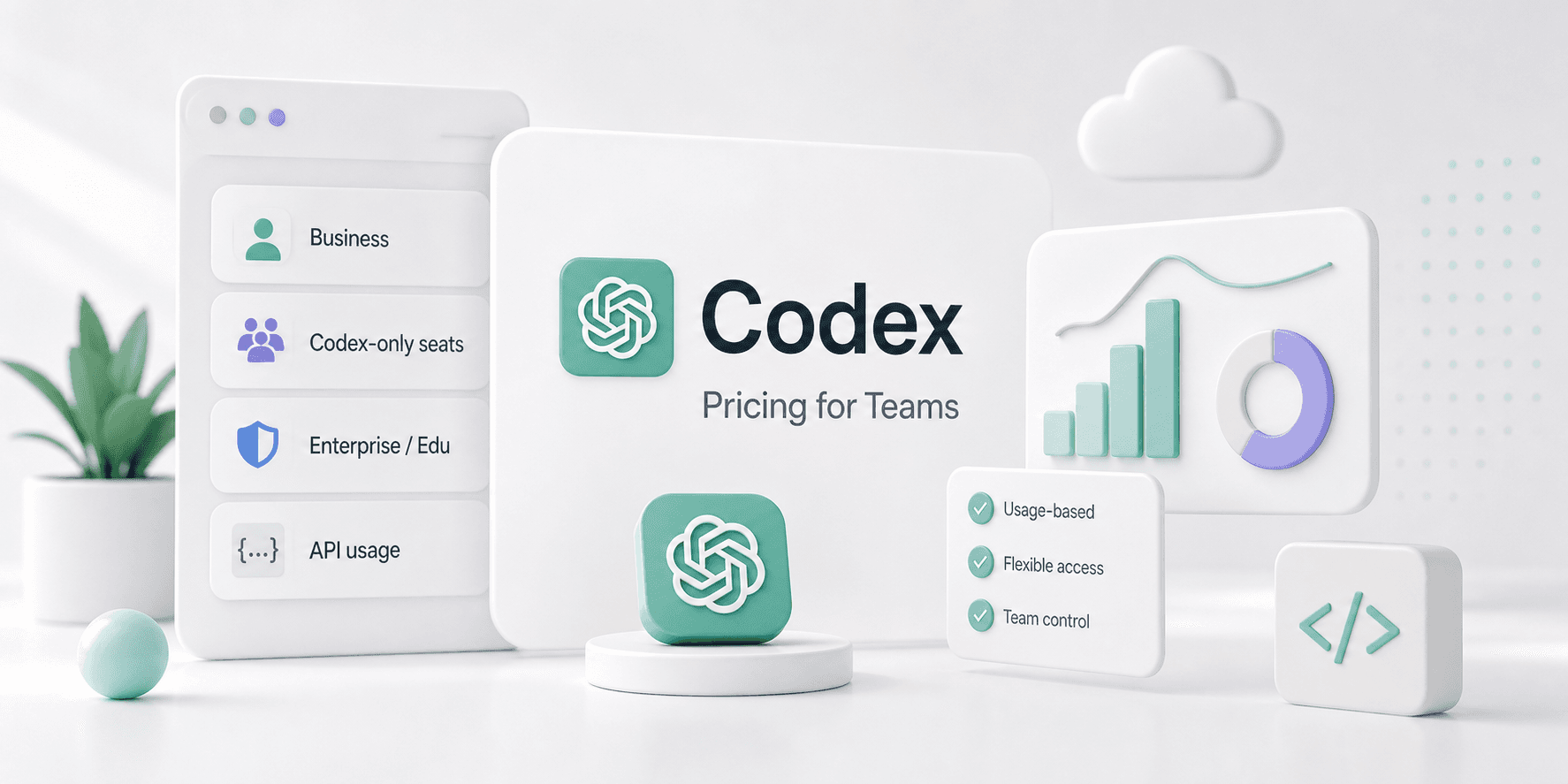
OpenAI now gives teams a few different ways to use Codex. Some buy standard ChatGPT Business seats, while others use Codex-only seats inside Business or Enterprise. Many lean on the API to power automation and shared workflows instead of paying for named seats. The real challenge is finding the cleanest way to give your team Codex access without giving up control over spend, permissions, or security.
The short answer
If you want the fast version:
- Codex is included in ChatGPT Free, Go, Plus, Pro, Business, Edu, and Enterprise plans.
- Teams on ChatGPT Business and Enterprise can add Codex-only seats with pay-as-you-go pricing.
- Standard Business seats also include Codex usage, but they come with usage limits.
- Enterprise and Edu buyers get the most control, including the security and admin features larger teams usually need.
- If your team wants to automate shared workflows, the API path can make more sense than per-seat pricing.
What OpenAI actually offers
OpenAI does not sell Codex as a standalone team plan. Instead, they package it in several different ways:
| Option | Pricing model | Best for |
|---|---|---|
| ChatGPT Plus / Pro | Individual subscription | Solo developers or small teams buying separate accounts |
| ChatGPT Business | Per-seat workspace plan | Small and midsize teams that want shared admin controls |
| Codex-only seats | Pay-as-you-go usage | Teams that want Codex without buying a full ChatGPT seat for every user |
| Enterprise / Edu | Custom or flexible enterprise pricing | Larger organizations that need governance, security, and admin controls |
| API-based usage | Token-based billing | Automation, shared tooling, and workflow-driven usage |
The important part is that OpenAI separates "having access to Codex" from "buying one fixed plan for everyone." That gives teams more flexibility, but it also makes the pricing story a little harder to read.
Business vs Enterprise
For most teams, the decision comes down to Business or Enterprise.
Starting with ChatGPT Business
ChatGPT Business is the easiest entry point for a small team. You get a shared workspace, admin controls, SSO, and access to Codex. OpenAI also lowered the annual price of Business seats, making adoption easier. If your team only needs Codex occasionally, this is usually the simplest path. The tradeoff is usage limits. While this works fine for many teams, you may hit those limits quickly if Codex becomes part of daily engineering work.
Upgrading to ChatGPT Enterprise
Larger teams often need ChatGPT Enterprise to gain access to advanced features like SCIM, EKM, audit logs, domain verification, RBAC, and data retention controls. This plan provides value by letting you run Codex inside a secure, company-wide control plane rather than simply offering more seats.
Codex-only seats are the key detail
The most interesting change is Codex-only seats.
These seats are for teams that want Codex access without buying a full ChatGPT workspace seat for every person. In OpenAI's announcement, Codex-only seats are billed based on token consumption, so spend maps more directly to usage.
That matters because not every teammate needs the full ChatGPT suite.
For example:
- an engineering manager may need review and oversight, not daily code generation
- a platform engineer may use Codex heavily
- a product manager may only need occasional help with specs or small tasks
Codex-only seats make that mix easier to price.
When the API makes more sense
If you want Codex for automation, the API path is worth considering. The API model is a better fit when:
- Usage needs to tie directly to workflows instead of named seats.
- You are powering internal tools or CI jobs.
- The goal is automating repeatable tasks across a team.
- You want to avoid fixed per-user plan limits.
The tradeoff is simple. API pricing is flexible, but it gets harder to forecast when usage grows quickly.
What this means in practice
For teams of 3 to 10 people, ChatGPT Business is usually the easiest starting point. It provides a shared workspace, admin controls, and Codex access without a complicated rollout.
When rolling Codex out across a larger engineering organization, Codex-only seats often make more sense. This approach gives you control over who actually needs full access, keeping pricing tied to usage instead of forcing everyone into the same bundle.
If your decision is driven by governance, compliance, and rollout control, Enterprise is the right path. At this scale, security, auditability, and admin controls matter just as much as the price.
How it compares to Claude Code pricing for teams
Anthropic leans heavily into seat-based team pricing, making Claude Code pricing easier to explain. Codex is different. OpenAI mixes individual plans, workspace plans, Codex-only seats, and API usage. This gives teams more flexibility, but it makes the price harder to summarize in one line.
To compare the two options, consider how your team actually works:
- Do you need a shared workspace with admin controls?
- Would you prefer paying for actual usage instead of flat seat fees?
- Does the team need a single, shared automation layer?
- Are policies, approvals, or secret handling required around the tool?
That last question is where products like TeamCopilot start to matter. A lot of teams do not just need access to Codex or Claude Code. They need a safe place to share workflows, keep secrets out of prompts, manage permissions, and let non-technical teammates use the same system without risk.
If that sounds familiar, these are good companion reads:
- Claude Code Pricing for Teams: Pro, Max, Team, and API Costs Explained
- AI Agent Governance: Why Identity Security Is the New Budget Line
- AI Agent Governance Is the New Enterprise Control Plane
- Why Your AI Agent Should Never See Your API Keys
The real buying decision
Your team needs to decide whether you are looking for a personal developer tool, a shared team workspace, a usage-based Codex layer, or an automation system your whole company can trust. As AI tools integrate deeper into daily workflows, teams must balance user access with strict administrative control.
Final take
There is no simple, standalone Codex Teams plan. Instead, Business and Enterprise serve as the primary paths for teams, with Codex-only seats offering additional pricing flexibility. API pricing remains the best option for automation-heavy use cases. Ultimately, the right choice depends on how much administrative control your team needs, not just the sticker price.
For teams that want to run AI safely across people, workflows, and permissions, the pricing question is only half the story. The other half is governance.
FAQ
Is there an official OpenAI Codex Teams plan?
Not really in the simple SaaS sense. OpenAI offers Codex inside ChatGPT Business and Enterprise, plus Codex-only seats with pay-as-you-go pricing.
How much does Codex cost for teams?
It depends on the path you choose. Business seats are priced per user, Codex-only seats are usage-based, and Enterprise pricing is custom or flexible depending on the setup.
Is Codex included in ChatGPT Business?
Yes. ChatGPT Business includes Codex access, but it comes with usage limits.
What are Codex-only seats?
They are team seats that give access to Codex without requiring a full ChatGPT seat for every user. OpenAI bills them based on token usage.
Is Enterprise better than Business for Codex?
If you need stronger admin controls, compliance features, or better governance, yes. If you just want a small team to start using Codex, Business is usually the easier first step.
Does Codex have rate limits?
Standard Business and consumer plans do. OpenAI says Codex-only seats have no fixed rate limits and are billed by usage instead.
Is Codex cheaper than Claude Code for teams?
It depends on how the team uses it. Claude Code is often easier to compare with seat-based pricing, while Codex pricing is more mixed because it can be bundled, usage-based, or API-driven.
When should a team choose API pricing instead of seats?
Choose API pricing when usage is automation-heavy, workflow-driven, or shared across systems rather than tied to named users.
Can smaller teams use Codex without Enterprise?
Yes. ChatGPT Business is the normal starting point for small and midsize teams.
What is the best Codex option for a startup?
Usually ChatGPT Business first, then Codex-only seats or API usage if the team needs more flexible rollout or automation.
Why does this matter for team workflow tools like TeamCopilot?
Because most teams do not just need access to an AI coding tool. They need shared workflows, approvals, permissions, secret handling, and a way to let more than one person use the same AI setup safely.
What should I read next?
Start with Claude Code Pricing for Teams: Pro, Max, Team, and API Costs Explained, then read AI Agent Governance: Why Identity Security Is the New Budget Line.
Support the project
If this was useful, star TeamCopilot on GitHub.
TeamCopilot is a shared AI agent for teams with centralized context, permissions, and workflows.