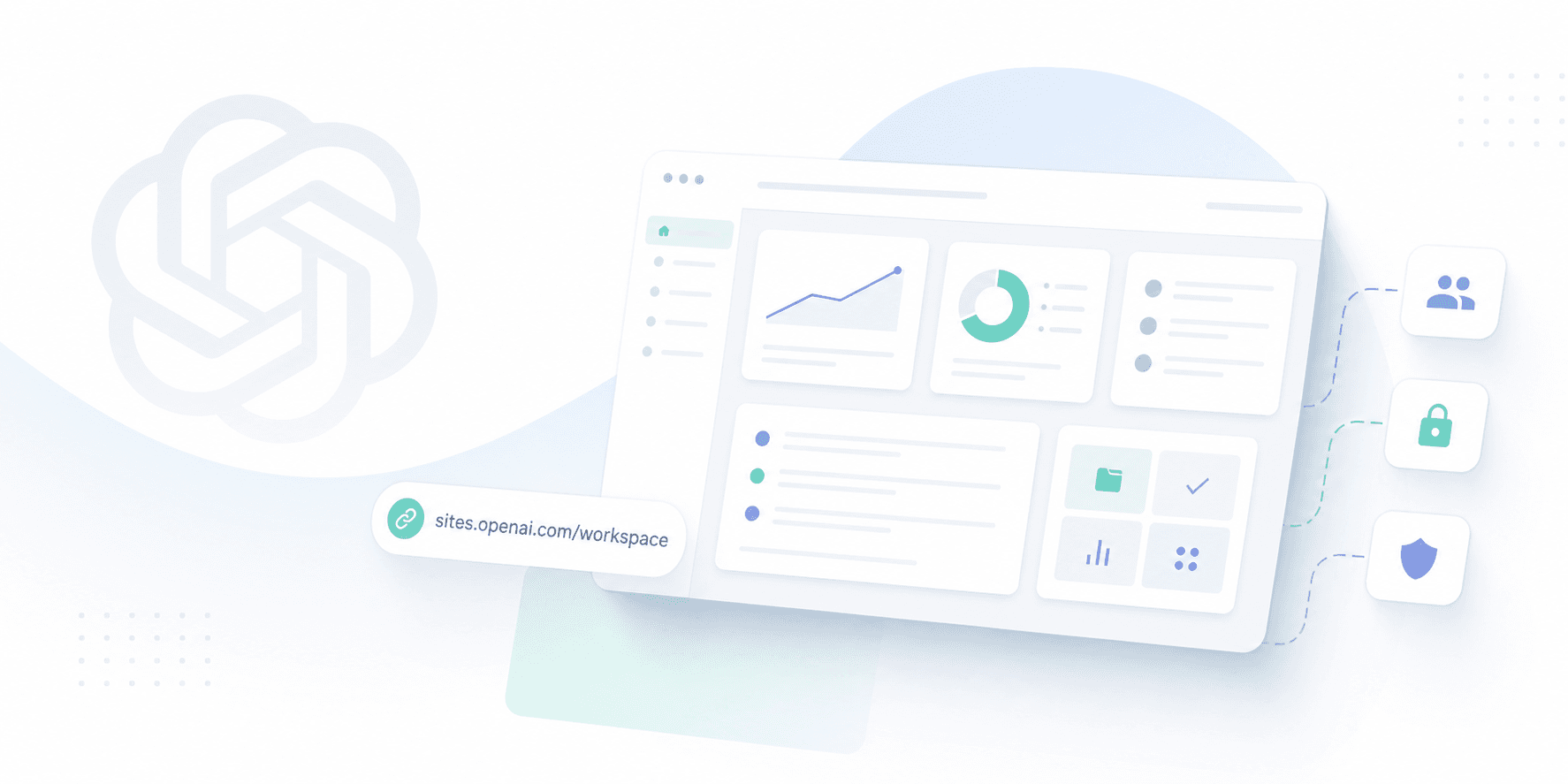
OpenAI Sites sounds straightforward, but it is more than a simple page builder. It is a new feature inside Codex that turns ideas, analysis, and plans into shareable websites and lightweight apps. According to OpenAI, you can use Sites to build dashboards, planners, review workspaces, project boards, galleries, and small tools that teammates can access via a URL. As TechCrunch and 9to5Mac noted, this move pushes Codex beyond coding and into general team productivity.
The appeal is easy to see. It gives people a cleaner way to share AI output than a terminal log or a long chat thread. It also moves Codex closer to real team workflows, where permissions, review, and security become essential.
How OpenAI Sites Works
Think of Sites as a way for Codex to package its output into a small, functional internal app.
Instead of just outputting text, Codex generates a hosted page that others can browse and use. OpenAI calls it a "canvas for ideas." While that sounds nice, the real value is practical: it is a shared space where your team can actually collaborate and get things done.
This matters to more than just developers. Product managers can map out plans, while sales teams use it to review deals. Finance teams might generate quick analysis snapshots, and operations can spin up simple internal tools. It won't replace your software stack, but it makes sharing and inspecting AI output much easier.
Why OpenAI is doing this now
The market has moved past simple Q&A. Now, the focus is on helping teams get work done. We see this shift everywhere: OpenAI is expanding Codex, Anthropic is pushing Claude Code, and both are competing to build the primary workspace where AI meets daily operations.
Sites fits this strategy perfectly. It expands Codex from a developer tool into a broader platform, giving business users a clear way to share AI-generated assets across a team.
OpenAI is also building a partner ecosystem around the feature, including Wix, Base44, Replit, Lovable, Figma, and Emergent. This shows they want Sites to connect directly with the tools teams already use daily.
What it is good for
Sites makes the most sense when output needs to be visual and interactive, rather than just text on a screen.
- Team updates that require charts and context.
- Shared planning pages for group reviews.
- Quick, single-purpose internal tools.
- Lightweight product prototypes.
- Workspaces that collect notes, assets, and decisions.
This is the sweet spot, less about building polished public websites and more about turning messy working drafts into structured, collaborative spaces.
What it is not
It is also worth being clear about what Sites is not. It is not a replacement for a full CMS, a complete design system, or an enterprise governance layer.
Letting an AI tool create shared apps without access control just moves risk around. The output might look cleaner, but the core questions remain: who can create, edit, or view these pages, and what data are they accessing?
The real challenge isn't building a neat prototype; it's how teams govern these assets once they exist.
Why this matters for teams
When AI can produce shareable workspaces in seconds, permissions become a major challenge. While quick creation is convenient, it also makes it easy to accidentally expose internal notes, pull in incorrect data, or share sensitive information too widely.
This is where products like TeamCopilot come in. Sites works well for sharing a static workspace with a specific group, but it remains a fixed flow. A team agent, by contrast, can adapt to daily needs, fetch information on demand, and perform new tasks dynamically.
Teams need more than a publishing platform; they need guardrails for shared agents. This requires robust approvals, secret handling, and role-based permissions to prevent chaos.
For a deeper look at this concept, read AI Agent Governance Is the New Enterprise Control Plane. If you are specifically concerned about security, check out Why Your AI Agent Should Never See Your API Keys.
How this fits with OpenAI’s broader push
Sites is part of a broader push. OpenAI is expanding Codex into mobile, enterprise workflows, and business use cases. This strategy is clear in OpenAI Codex Pricing for Teams: Business and Enterprise, Plus Pay-As-You-Go Codex-Only Seats, where pricing reflects a platform strategy rather than a simple subscription.
OpenAI wants Codex to be useful beyond solo developers. Sites is another step toward letting teams turn AI output into shareable, reviewable assets without manual cleanup.
The practical takeaway
If you manage a team, the question isn't whether Sites is impressive, it likely is. The real question is whether your team needs a static workspace or an active, shared agent.
Sites works well for static workspaces, while TeamCopilot is built for active collaboration. This means deciding who can create content, who approves it, where secrets are stored, and who the audience is. The teams that succeed with these tools are those that establish clear processes rather than expecting the software to manage itself. If you need AI to fit seamlessly into real workflows, TeamCopilot is designed for exactly that challenge.
FAQ
What is OpenAI Sites?
OpenAI Sites is a feature in Codex that lets users create and share interactive websites and lightweight apps from ideas, analysis, and plans.
Is Sites a separate OpenAI app?
No, based on the current rollout, it is a feature inside Codex rather than a standalone consumer app.
Who is Sites for?
It is aimed primarily at business and enterprise teams that want to turn AI output into shareable assets.
What can Sites create?
According to OpenAI, it can build dashboards, planners, review workspaces, project boards, galleries, and simple tools.
Is Sites meant for public websites?
Not primarily, as the feature is focused on internal team collaboration rather than public website publishing.
How is Sites different from a normal website builder?
Traditional website builders focus on design and publishing. Sites focuses on turning AI-generated work into structured, interactive assets that teams can use immediately.
How is Sites different from Figma, Replit, or Wix?
Those tools each have their own strengths. Sites combines AI generation with team collaboration, providing enough structure to share output immediately.
Why does Sites matter for governance?
The easier it is to spin up shared workspaces, the higher the risk of accidental data exposure, incorrect permissions, or unmanaged data flows.
Should companies use Sites for sensitive workflows?
Only if they have proper controls in place. Sensitive workflows require robust approvals, permissions, and secret management, not just a clean interface.
Where does TeamCopilot fit in?
TeamCopilot is built to address what most teams overlook: making AI safe to use across workflows, permissions, and secrets.
What should I read next?
Start with AI Agent Governance Is the New Enterprise Control Plane, then read AI Agent Governance: Why Identity Security Is the New Budget Line and Why Your AI Agent Should Never See Your API Keys.
Support the project
If this was useful, star TeamCopilot on GitHub.
TeamCopilot is a shared AI agent for teams with centralized context, permissions, and workflows.