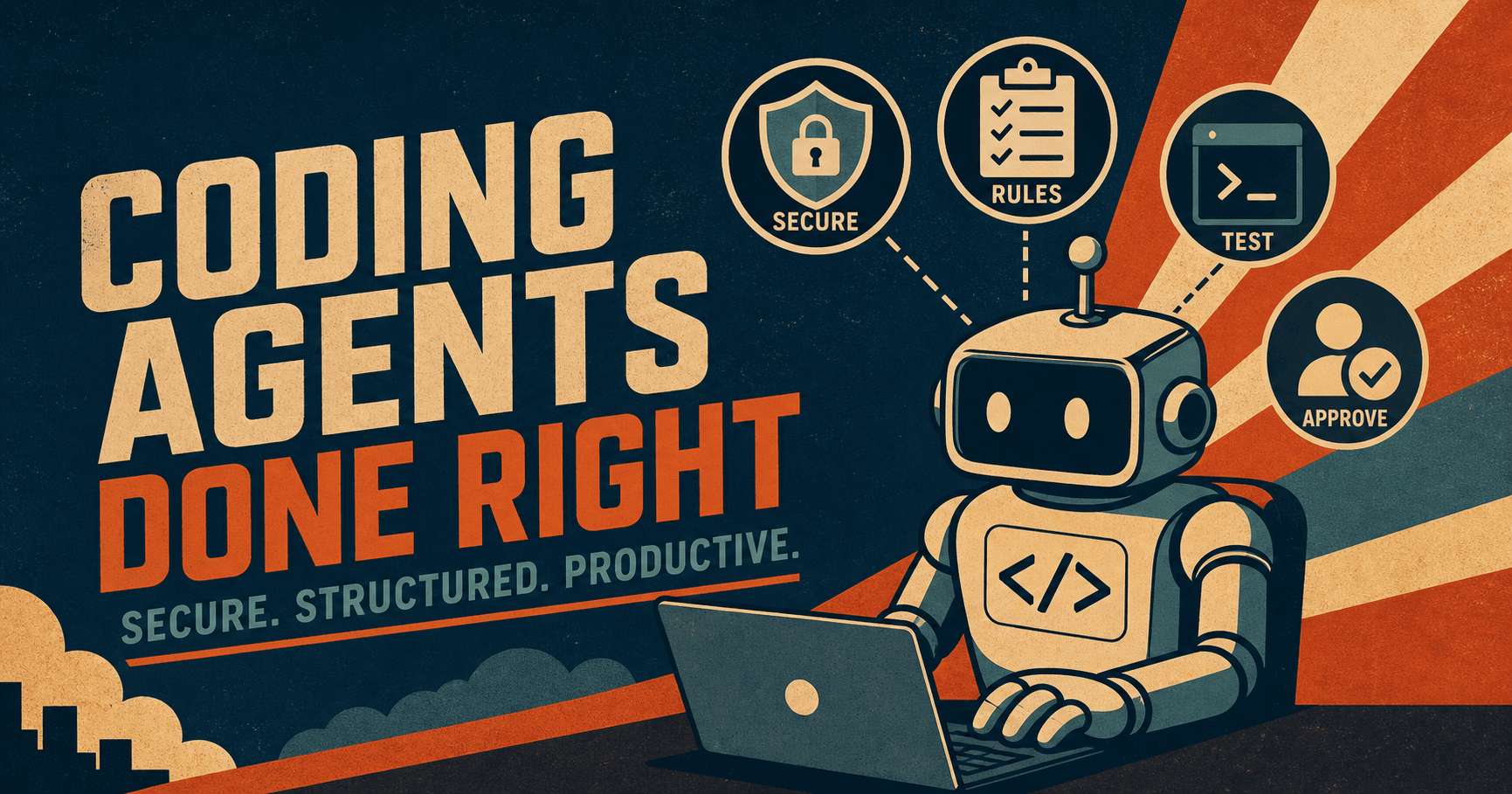
Coding agents are useful, but they are not careful by default.
They will happily help with refactors, tests, docs, and cleanup, but they will also grab the nearest credential, repeat a bad pattern, or make a change that looks fine until you review it closely.
The real question is how to set them up so the useful part shows up more often than the risky part. This guide is about that setup: secure enough for real work, structured enough to stay productive, and simple enough that a team can live with it.
Start with a small spec, not a giant prompt
One of the easiest mistakes is to ask an agent to do too much at once. People dump a pile of context into the chat and hope the model will sort it out. That usually produces noisy output and a lot of unnecessary back and forth.
The better move is to write a short spec first. Keep it focused on the goal, the stack, the constraints, and what success looks like. Add only the rules that matter for this task. Then let the agent work from that.
That idea is not new. In The Complete Guide to Claude Code: Setup, Skills, Hooks, and the Agent Loop, we talked about how the agent loop works best when the task is clear. Addy Osmani makes the same point in his post on how to write a good spec for AI agents: break large work into smaller pieces and let the AI work inside a clean structure.
For a coding agent, that usually means:
- What the change needs to accomplish
- Which specific files or directories can be modified
- Commands needed to run the tests
- Parts of the codebase that must remain untouched
- Clear criteria for when the task is considered complete
That is enough to get started. Focus on quality of context over sheer volume.
Put the rules where the agent can see them
Most teams have rules in their heads, but the agent does not.
If you want consistent output, put the rules in a project file the agent actually reads. Keep the instructions short, direct, and specific. Say what stack you use, how you test, how you format code, and what the team considers off limits.
This is where repo-level instructions, hooks, or a shared agent config help. They turn tribal knowledge into something the agent can actually follow.
The goal is not bureaucracy, but fewer surprises. A good setup teaches the agent the shape of the project once, then keeps reinforcing it without you having to restate the basics every time.
Keep risky actions separate from normal coding
The fastest way to make a coding agent unsafe is to let it use the same path for everything.
Debugging a test failure is one thing. Deleting a database, pushing to production, or changing a deployment secret is something else entirely. Those actions should not sit next to each other in the same loose prompt flow.
We covered this problem from the incident side in An AI Coding Agent Deleted a Production Database. Here's What Happened and How to Prevent It. The lesson is simple: if the agent can reach a destructive credential, a destructive action becomes much easier to reach. You can prevent this by separating the work:
- use one path for ordinary coding and refactors
- use a different path for anything that touches production
- require approval for destructive or irreversible actions
- keep read-only tasks read-only
This is also why AI Agent Governance Is the New Enterprise Control Plane matters. The control plane lets a team use agents without trusting every prompt like it is a contract.
Keep secrets out of the agent’s line of sight
The biggest issue is that if your coding agent can read .env, shell profiles, local config, or long-lived API keys, then you do not have secret handling. You have secret exposure with extra steps.
The safer pattern is to keep raw secrets out of the model context entirely. In practice that means:
- store secrets in a proper secret manager
- inject them at runtime only when needed
- scope them to the smallest useful permission set
- avoid putting production credentials in routine development sessions
- rotate anything that may have been exposed
The post Why Your AI Agent Should Never See Your API Keys goes deeper on the secret proxy pattern. The core idea is still the same: the agent should know the name of the secret, not the value.
If you are using a shared team setup, this gets even more important. One person should not accidentally inherit broad access just because the agent can reach a shared machine. TeamCopilot’s secret management and permission model are built around that exact problem.
Make tests part of the workflow, not an afterthought
A coding agent feels productive when it writes code quickly, but it only becomes useful when that code survives contact with tests.
The best setups force the agent to verify its own work. That means running unit tests, lint checks, type checks, and any relevant integration tests before the work is considered done. It also means the agent should be told what counts as success before it starts writing code.
If the project has a flaky test suite or no test suite at all, the agent will still produce output, but you will not know whether to trust it.
Instead of saying “fix this bug,” say “fix this bug, then run these checks, then summarize what changed.” The more specific the loop, the better the result.
Keep tasks small and reviewable
Big changes are where agents become hard to trust. If you ask for a massive refactor, a new feature, and a cleanup pass all in one shot, you will get a giant diff that is harder for a human to review and harder for the agent to recover if something goes wrong.
To keep things manageable, focus on smaller tasks:
- one file family at a time
- one behavior change at a time
- one test goal at a time
- one deployable unit at a time
That makes the review easier to do honestly. It also keeps the agent from wandering into parts of the codebase that were never part of the job.
Treat prompts like code
Prompting is configuration, not a one-off conversation.
If a prompt reliably produces a good result, keep, version, and tighten it when it drifts. If it causes bad output, fix the prompt instead of carrying the workaround around in your head.
AWS says the same thing in its guidance on agentic systems: treat prompts as code artifacts, use version control, and put approval steps around the things that matter. That advice is boring in the best way. Boring systems are usually the ones that keep working.
For teams, this can be as simple as a few approved prompt templates for common jobs:
- bug fix
- test generation
- refactor
- docs update
- dependency upgrade
To ensure consistency, the agent should not have to relearn the same process every time it starts a task.
Use approvals for the things that deserve human judgment
There are some tasks an agent can help with, but should not complete on its own.
Anything that changes access, secrets, production config, billing, or deployment boundaries should be gated by a real approval rather than a prompt instruction.
While the approval can be lightweight, a person should explicitly sign off on the changes prepared by the agent.
That is the model TeamCopilot pushes toward: agents are useful, but the team stays in control. Shared skills, workflows, and permissions are what make that possible without turning every workflow into a free-for-all.
Measure productivity the boring way
People often talk about coding agents as if speed is the only thing that matters, but it isn't.
The better question is whether the team is shipping better work with less friction. You want to see fewer back-and-forth edits, fewer broken tests, shorter review cycles, and fewer security surprises, without spending so much time repeating setup steps.
If the agent makes people faster but also makes the code harder to trust, that is not a win.
The best teams use agents to remove busywork while preserving human judgment. The agent can scaffold, search, summarize, and draft. Humans should still own the final call on architecture, security, and release risk.
A practical default setup
If you want a simple starting point, use this:
- Write a short task spec before the agent starts.
- Keep project rules in a shared instructions file.
- Use scoped secrets injected at runtime.
- Separate safe coding tasks from risky operations.
- Require approval for destructive or production-facing actions.
- Make tests mandatory before a change is considered done.
- Keep diffs small enough for a human to review quickly.
- Version prompts and rules like code.
This setup is simple but disciplined, and discipline is what makes agents scale.
Where TeamCopilot fits
TeamCopilot is useful when you want the team version of this setup instead of a one-off local trick.
It gives you a shared place for permissions, secret handling, workflows, and approval gates, which means the agent can stay productive without seeing everything or touching everything. That matters once more than one person is using the same agent on the same codebase.
If you want related reading, How to Use Claude Code with a Team: Shared Context, Permissions, and MCP is a good companion piece.
The short version is simple. A great coding agent setup balances autonomy with structure.
FAQ
What is a coding agent?
A coding agent is an AI tool that can read files, suggest changes, run commands, and sometimes act across a codebase instead of only answering questions.
What is the biggest mistake teams make with coding agents?
They give the agent too much access too early. That usually means broad secrets, loose prompts, and no separate path for risky actions.
Should coding agents have access to production credentials?
No, not by default. Production-facing actions should be separated, approved, and tightly scoped. A routine coding session should not be able to touch production.
How do I keep secrets safe when using a coding agent?
Keep raw secrets out of the agent’s context, inject them at runtime from a secret manager, scope them tightly, and rotate them if there is any chance they were exposed.
Are prompt instructions enough to secure a coding agent?
No. Prompt rules help, but they are not a security boundary. Access controls, approval gates, and secret handling are what actually keep the agent safe.
How do I make a coding agent more productive without making it risky?
Give it smaller tasks, a short spec, clear testing instructions, and limited access. Productivity usually improves when the agent has fewer ways to wander.
Should every task use the same prompt?
No. Keep reusable prompt patterns for common work, but tailor them for the task. A refactor prompt should not look like a deployment prompt.
What should I do if the agent writes bad code quickly?
Stop treating speed as success. Review the diff, run tests, tighten the prompt or workflow, and reduce the scope of the next task.
How does TeamCopilot help with coding agents?
It gives teams shared permissions, secret management, workflows, and approval gates so agents can be useful without being overpowered.
Is this setup only for big teams?
No. Even a small team benefits from clear rules, scoped secrets, and a repeatable workflow. The smaller the team, the easier it is to start with good habits.
Support the project
If this was useful, star TeamCopilot on GitHub.
TeamCopilot is a shared AI agent for teams with centralized context, permissions, and workflows.